

Smart stream capture
Detects playable sources and records stable streams without dropped frames.
Works on Windows 10 · Windows 11
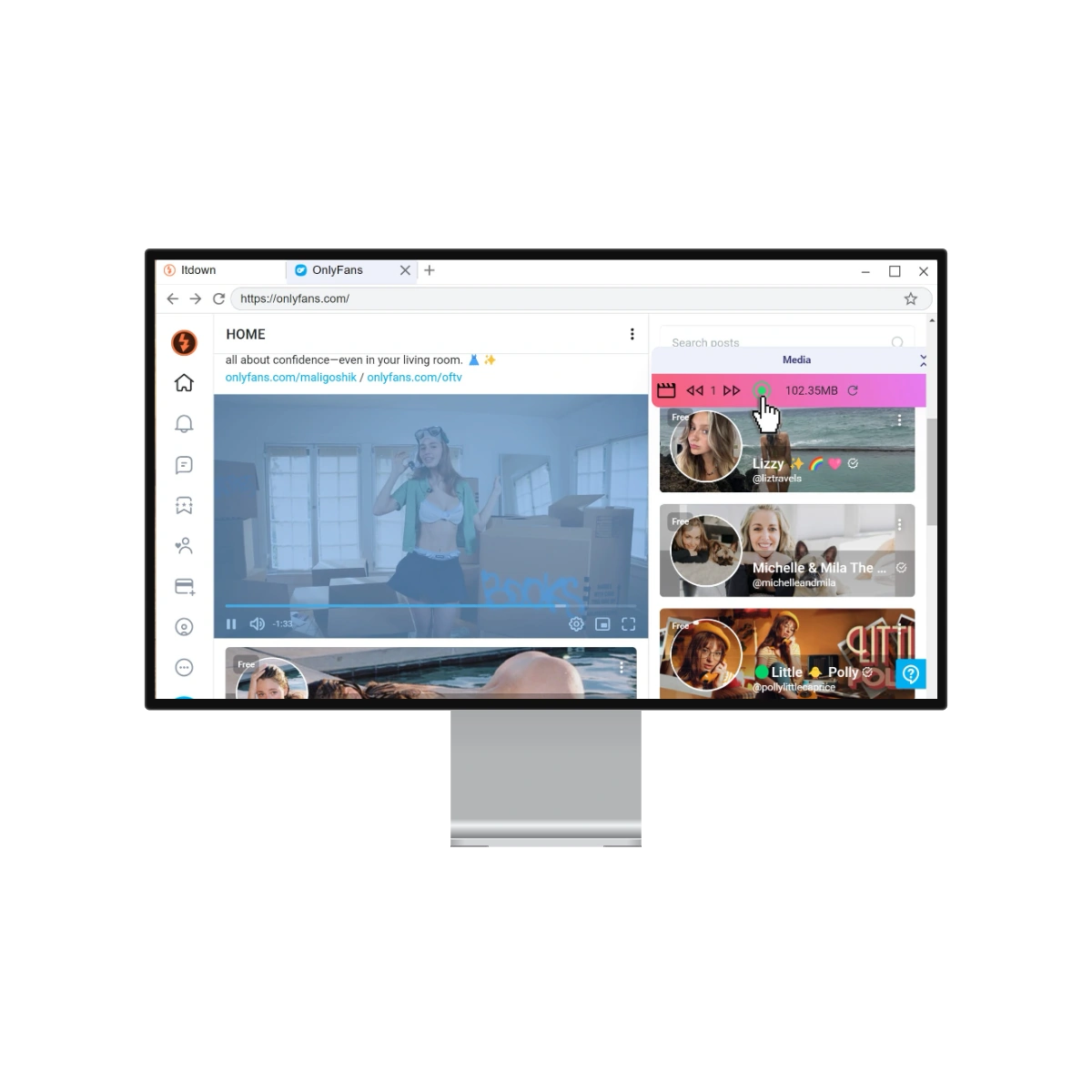
A reliable recording pipeline built for long livestreams, online lessons, webinars, and meeting sessions.
Detects playable sources and records stable streams without dropped frames.
Analyzes network conditions to balance 4K capture and system load in realtime.
Auto-tag files, preserve subtitles, and sync to editors instantly.

Use pre-tuned templates for livestream backups, online video archives, and meeting recordings. Each mode keeps your hardware acceleration, subtitle sync, and storage routing intact.
Record permitted sessions
Whether you are recording long livestreams, online course videos, or meeting sessions, Itdown scales with you. Hardware-accelerated capture, long-session recording, and subtitle sync are included on every plan.
 Secure payment with
Own every update forever with zero renewals.
Secure payment withBest for long-term users.
Full studio toolkit billed annually.
Secure payment withCancel anytime.
Pause-friendly plan for short gigs.
Secure payment withCancel anytime.
Test-drive the capture engine risk-free.
Upgrade inside the app when you are ready.
Editors, learners, and operations teams use Itdown to record authorized online videos, live sessions, and meeting recordings without blocking their workflow.
“Saved lesson replays and handed them to Premiere without fixing timestamps.”
Export prep time dropped 37% across 42 course videos in one week.
I run long event mirrors overnight and the recorder keeps audio/video locked the entire session.
StreamerBatch recording plus subtitle retention made my exam prep usable offline on flights.
Course LearnerBrowse practical playbooks for livestream recording, online video archives, and meeting recording workflows. Every guide helps keep your files organized and archive-ready.
From source detection to subtitle preservation, this tutorial bundle shows the settings experienced users rely on for stable recordings.
Set up scheduler rules, auto-splitting, and storage routing so livestreams and event recordings are saved reliably.
Record lessons, webinars, and meeting sessions while keeping subtitles, chapters, and metadata organized.
Verify builds, review changelogs, and grab the tutorial pack before a big recording day.
Grab the latest Itdown build and record livestreams, online lessons, webinars, and meeting sessions with a simple Windows workflow.
Lightweight package with an auto-update channel for recording workflows.
Preload capture templates for livestream, VOD, webinar, and meeting workflows.
Keep recordings local or export them to your organized archive.