

How to Activate Your Itdown VIP Subscription
Thank you for choosing Itdown Stream Recorder. The VIP subscription unlocks the full recording workflow for long livestreams, online lessons, webinars, meetings, and VOD sessions you are authorized to keep.
Activate your license
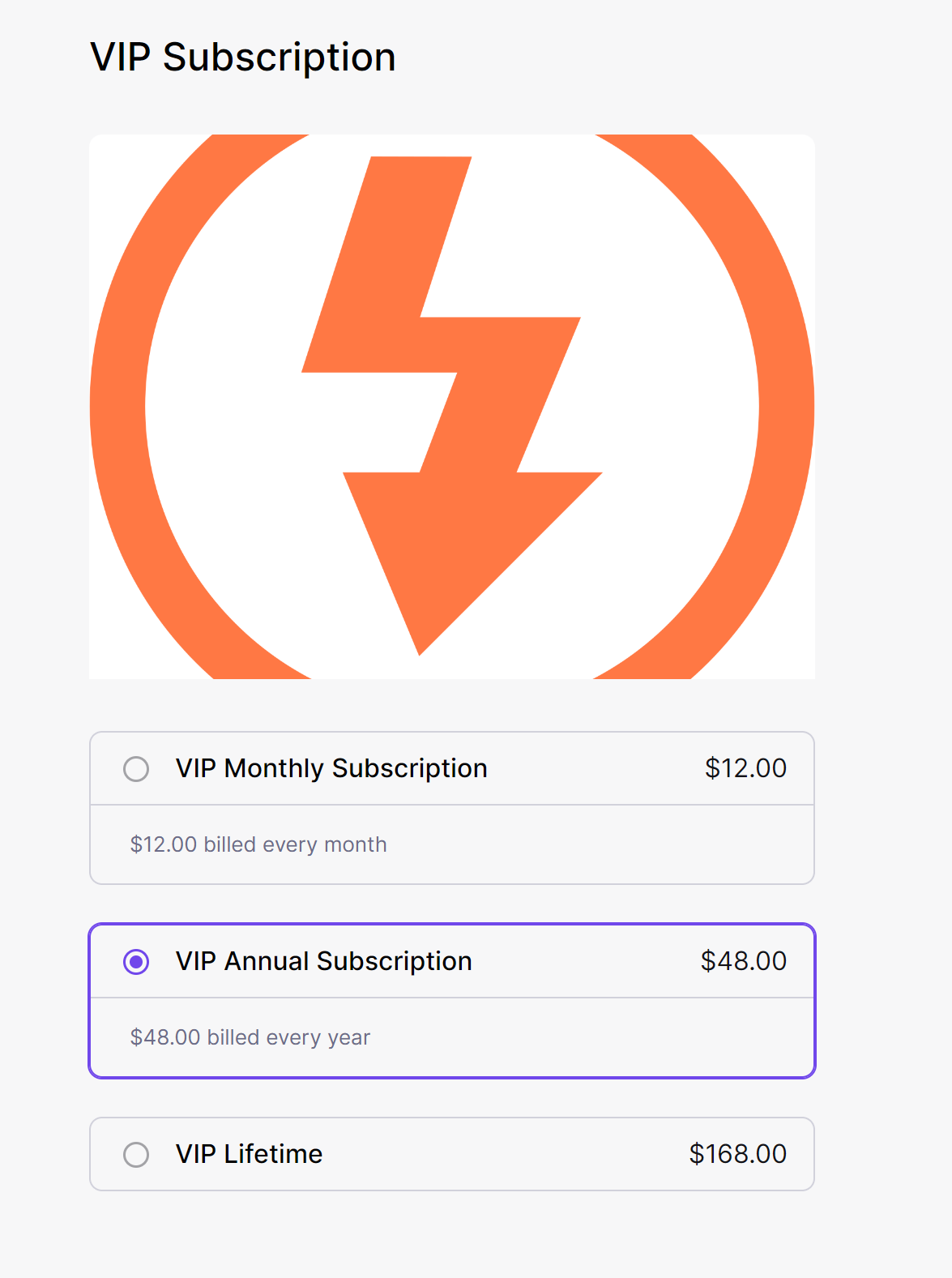
- Open the Itdown store from the official website or from the desktop app.
- Choose the license plan that matches your recording workflow.
- Enter your information and complete checkout. You will receive an email containing your license key.
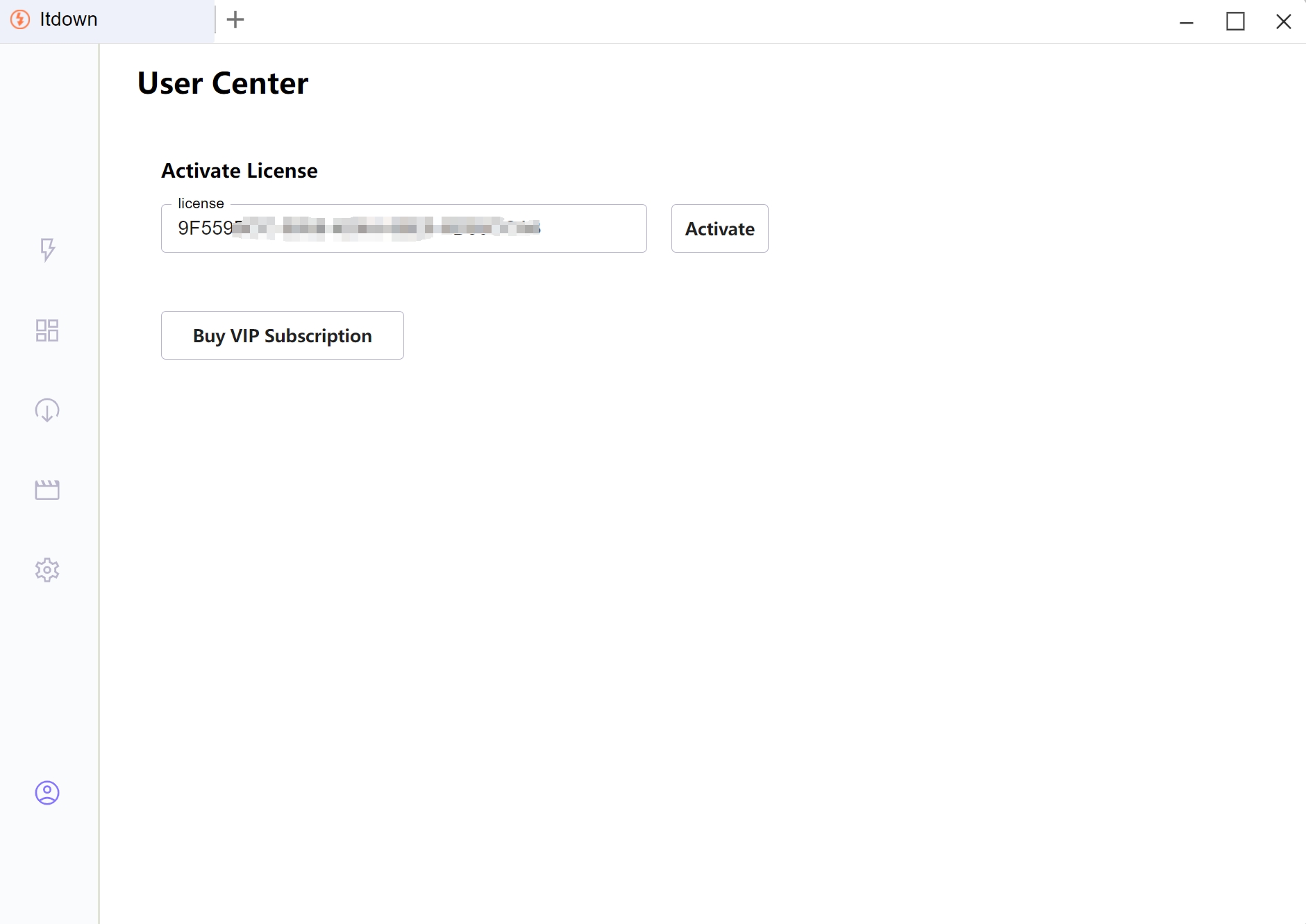
- Copy the license key and paste it into the Itdown desktop client.
- Click Activate and restart the app if prompted.
Keep your license email in a safe place. If activation fails, check that the key is copied without extra spaces and contact support with the email used at checkout.